Back to top

How to Audit Physical Security for Hybrid Offices

Hybrid offices can be tricky when it comes to physical security. The workplace might feel almost empty on Wednesday, but…

How to Audit Physical Security for Hybrid Offices

6th July 2026

Hybrid offices can be tricky when it comes to physical security. The workplace might feel almost empty on Wednesday, but then host client meetings, contractors, and dozens of employees on Thursday. That constant shift changes how people move through the building, which doors stay open, and which equipment gets left unattended.

And that’s exactly why a physical security audit can’t rely on assumptions anymore. Controls that worked when everyone came in five days a week often leave surprising blind spots under a hybrid schedule.

A thorough audit helps you spot those blind spots and weak points before someone else does, or something goes wrong. Here’s how to approach one without turning it into a months-long compliance exercise.

Start With How People Actually Use the Office

Forget the floor plan for a moment, and start with reality. Pull attendance data, booking records, badge logs, or occupancy reports from the past few months. Then, look for patterns instead of averages.

Which days are busiest? Which entrances suddenly become the most used? Which meeting rooms are usually occupied all afternoon?

You’ll probably notice that your office has multiple “normal” operating modes rather than one. That’s a valuable insight because physical security should reflect actual behavior, not assumptions made when the office reopened two years ago.

Security professionals often refer to this as understanding operational context before selecting controls. Even frameworks from organisations like the National Institute of Standards and Technology emphasise identifying assets, users, and operational environments before implementing protective measures.

Map Every Asset That Would Hurt to Lose

Most companies know where their servers are. But do you know where every high-value laptop, prototype, specialised workstation, or confidential document is? Probably not.

So, create an asset map instead of an inventory.

Ask yourself:

  • Which equipment regularly moves between home and office?
  • Which assets remain unattended overnight?
  • Which departments handle sensitive information?
  • Where would theft cause operational disruption rather than just replacement costs?

The goal isn’t simply knowing what exists but rather understanding your exposure. A $3,000 workstation sitting beside a reception window deserves different protection than identical equipment inside a restricted engineering lab.

Review Access Policies Against Hybrid Reality

Many organisations still grant access as if every employee works identical hours. But hybrid work and schedules rarely follow those rules, and that makes permission reviews much more important than they used to be.

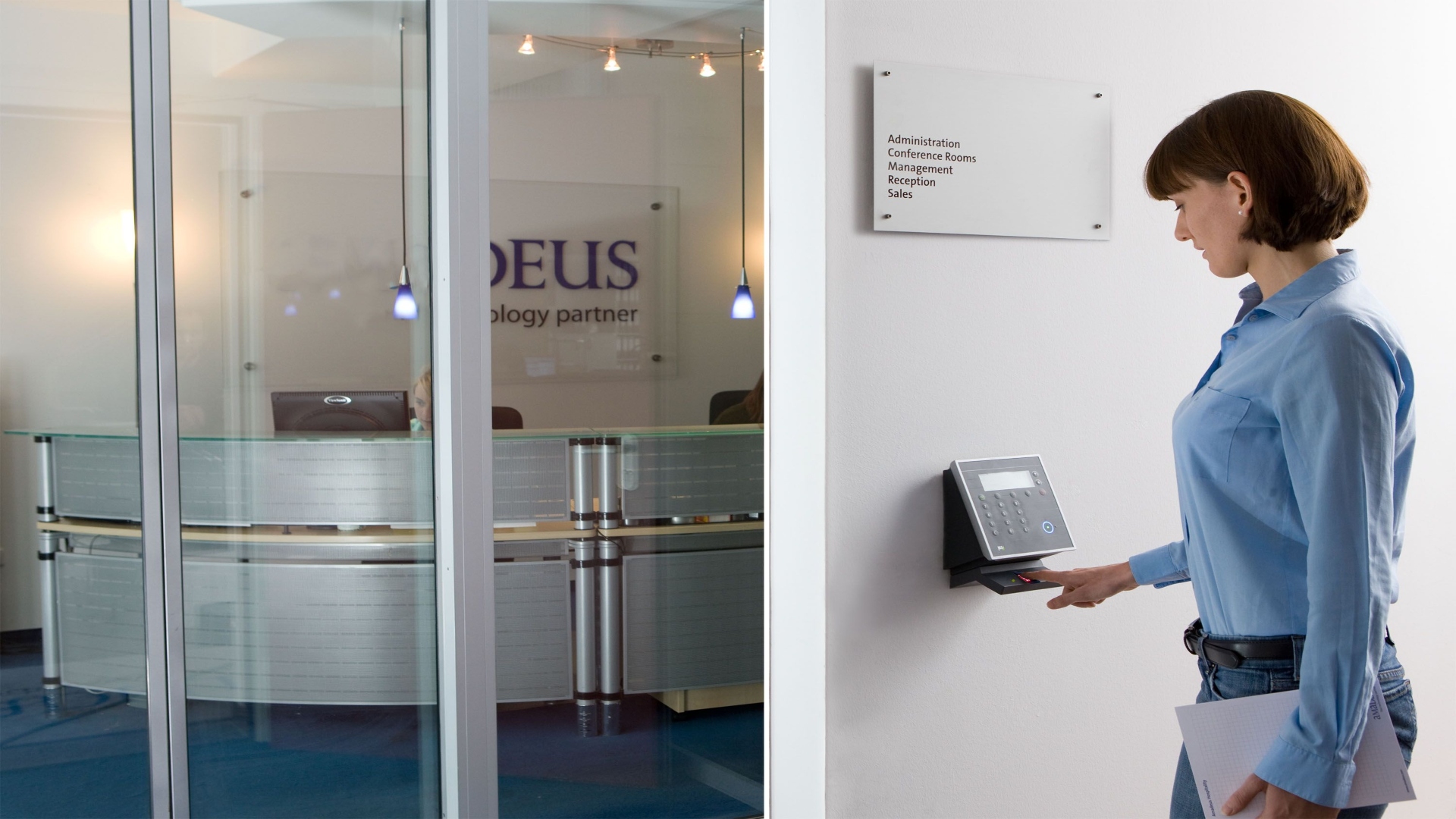
Check whether former employees still appear in the access-control system, and review temporary credentials. Also compare badge permissions with HR records. Then verify whether sensitive spaces genuinely require restricted access, or whether everyone simply inherited permissions over time.

Check Whether Cameras Actually Answer Useful Questions

Many offices install cameras until every wall has one. But that’s different from designing useful coverage.

During your audit, ask practical questions:

  • Could you identify a person’s face at the main entrance?
  • Could you read vehicle license plates in your parking area?
  • Would loading docks still be visible after sunset?
  • What happens if internet connectivity drops for an hour?

When you’re looking for surveillance equipment, ask potential providers:

  • Will they perform a site assessment before recommending equipment?
  • Do they design around your business operations instead of selling fixed packages?
  • Can their systems integrate with existing access control and alarms?
  • Who handles maintenance after installation?
  • What cybersecurity protections exist for connected devices?
  • How long is footage retained, and where?
  • Can the system expand as your office changes?

Local expertise matters, too, because requirements differ between industries, building layouts, and municipalities.

As mentioned, a good installer should begin with a site assessment instead of recommending equipment before seeing your facility. That’s because camera placement, access control, and network infrastructure vary from one office to another. You can find out more about this approach by visiting Mammoth Security’s website. Use that information as a benchmark while evaluating other providers.

Don’t Ignore Bandwidth and Cabling

Modern IP cameras consume network capacity. Add dozens of high-resolution streams, cloud backups, analytics, remote monitoring, and video retention requirements, and your existing switches might suddenly struggle.

Check:

  • Network switch capacity
  • Available Power over Ethernet (PoE)
  • Cable condition and routing
  • Storage requirements
  • UPS coverage for security equipment
  • Segmentation between business and surveillance traffic

Make Equipment and Access Control Work Together

Standalone systems create fragmented information, which isn’t particularly useful. Integrated systems, on the other hand, tell a whole story.

If someone forces a rear entrance after hours, your platform should trigger an alarm, bookmark relevant camera footage, record the badge activity nearby, and notify designated responders automatically.

That will shorten investigation time dramatically.

Remote monitoring also deserves consideration, particularly for organisations with multiple offices or unpredictable occupancy. Centralised monitoring allows security teams to verify alerts before dispatching responders, reducing false alarms while maintaining coverage outside normal business hours.

Measure Whether Security Actually Improves

A completed audit isn’t the finish line. You should also track outcomes that tell you whether your changes actually work.

Useful KPIs include unauthorised access attempts, tailgating reports, average incident response time, alarm false-positive rates, equipment downtime, visitor processing time, and security-related asset losses.

Review those numbers quarterly alongside workplace occupancy trends. Hybrid work continues to evolve, so your physical security posture should evolve with it.

Categories: Advice

Our awards

Discover Our Awards.

See Awards

You Might Also Like