Back to top

How to Relocate Offices Without IT Downtime

The only way to move an office without killing your uptime is to stop treating the IT infrastructure like furniture.…

How to Relocate Offices Without IT Downtime

27th April 2026

The only way to move an office without killing your uptime is to stop treating the IT infrastructure like furniture. Most companies fail because they pack the servers after the desks, but a truly seamless transition requires your digital environment to exist in two places at once.

You solve the downtime dilemma by building a parallel network at the destination before a single wire is pulled at the origin. There are thousands of office relocations each year across the world, creating a $10 billion market, and the ones that succeed follow a strict cutover window that usually happens while the rest of the staff is asleep.

If you wait until moving day to realise your new suite lacks the fiber termination or cooling capacity for your rack, you aren’t moving; you’re orchestrating a self-inflicted outage. You need a blueprint that prioritises connectivity over floor plans.

The Discovery Phase and Dependency Mapping

You cannot move what you do not understand. Most IT managers think they have a handle on their environment, but hidden dependencies, such as legacy print servers or locally hosted databases, often surface only after they are unplugged.

A thorough audit involves more than just counting laptops. You need to map how data flows between your physical hardware and the cloud. This discovery phase identifies which systems are mission-critical and which can stay offline for a few hours. The most common point of failure isn’t the hardware breaking, but the configuration logic failing to adapt to a new IP scheme.

Establishing Parallel Networks and Pre-Staging

The secret to zero downtime is redundancy. You should have your internet service provider (ISP) drop a circuit at the new location at least thirty days before the move.

This allows you to pre-stage your network environment. You can set up your firewalls, switches, and wireless access points in a clean environment without the pressure of a ticking clock. When the hardware from the old office arrives, it should simply be a matter of plugging into a verified, live environment.

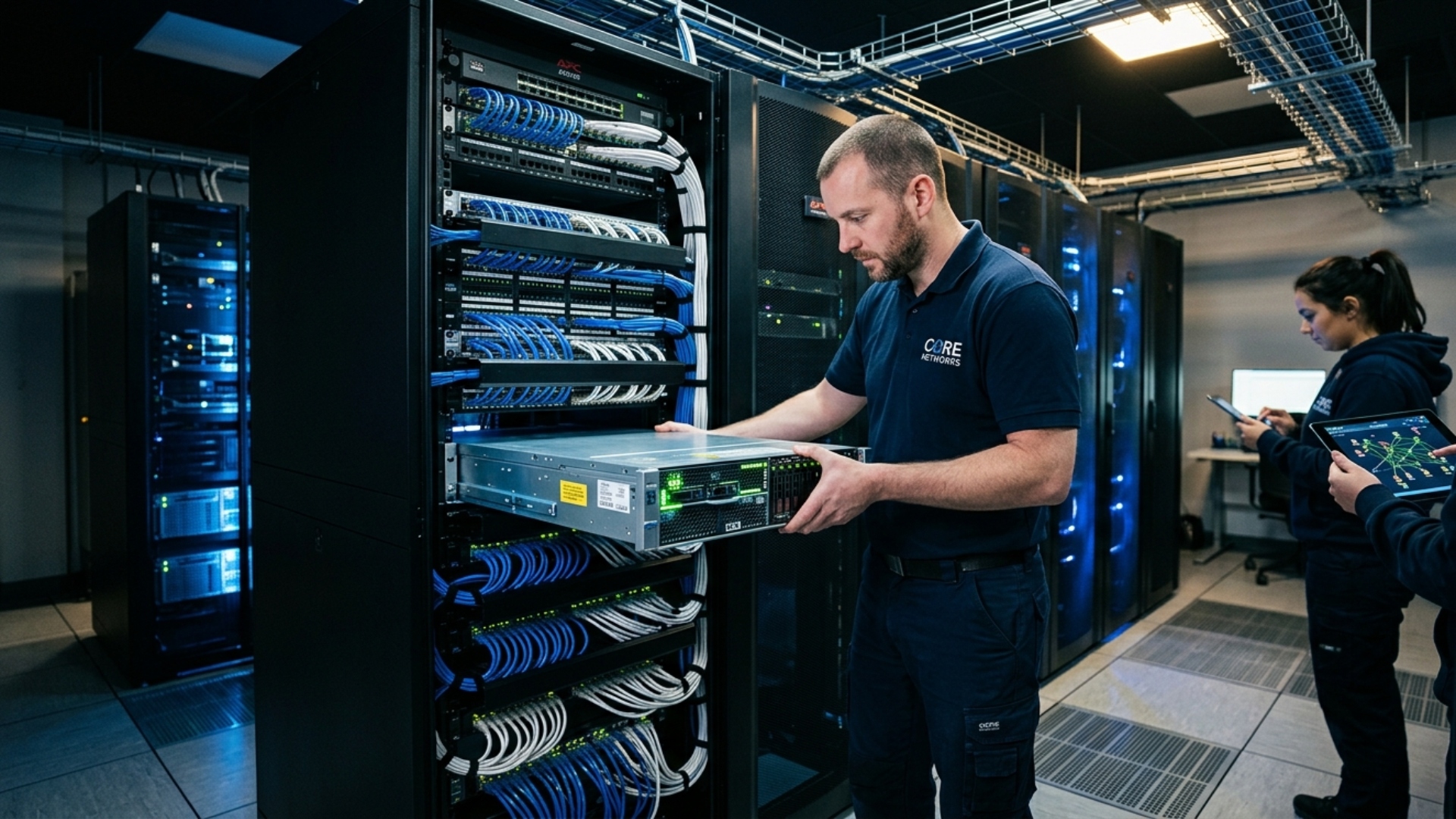
Managing this level of precision requires a specific set of skills that go beyond general office management. Large-scale shifts often require professional IT moving service experts who understand the physical requirements of high-density server racks and delicate fiber optics. When you bring in specialists for white-glove handling, you mitigate the risk of “static shock” or physical misalignment during transport, and they coordinate the logistics so your internal team can focus on the software side of the cutover.

Implementing Change Freezes and Cutover Windows

Stability is the goal during the transition week. You must implement a strict change freeze at least seven days before the move.

No new software updates, no server reconfigurations, and no new user onboarding should happen during this window. You want the environment to be a “known good” state. Any variable introduced right before a move makes troubleshooting an outage nearly impossible once you get to the new site.

The actual cutover should be scheduled during low-traffic periods. This usually means a Friday evening or a Saturday morning. You need to account for:

  • Decommissioning the old site power and cooling
  • Secure transport of physical storage arrays
  • Re-patching cables according to the pre-move map

Security and Compliance Checkpoints

Moving physical hardware is a massive security risk. Data at rest is vulnerable when it sits in the back of a truck, even if the truck is only driving three blocks.

Ensure all drives are encrypted before they leave the building. If you operate in a regulated industry like healthcare or finance, you must maintain a chain of custody for every device containing sensitive information. Detailed focus on maintaining data security suggests that physical security is often the weakest link in a digital compliance strategy.

Verify that your new server room has the necessary physical access controls. If your old office had biometric locks and your new one has a standard key, you have technically downgraded your compliance posture.

The Validation Protocol and Fallback Plan

Once the hardware is racked and stacked at the new location, the work isn’t over. You enter the validation phase where every single port, printer, and peripheral is tested.

You need a “Go/No-Go” checklist. If the core services aren’t reachable by a specific time, say, 4:00 AM on Sunday, you must be prepared to trigger your fallback plan. This might mean failing over to a cloud-based backup or a secondary hot-site. Infrastructure audits and parallel network setups are the only way to ensure that when your employees walk in on Monday morning, their phones ring and their emails load without a hitch.

Maintaining Communication Chains During Transit

The technical move fails if the stakeholders are left in the dark while the hardware is in motion. You must establish a redundant communication channel that does not rely on the primary office network or on-site PBX systems. These challenges exist in multi-location businesses, of course, but also apply during a move.

Mobile messaging platforms or cloud-based project management tools serve as the nervous system of the move. Every department head should have a direct line to the migration lead to receive real-time status updates on specific server racks.

Transparency prevents the “black hole” effect where staff assume the worst during a scheduled maintenance window. Clear reporting ensures that even if a minor delay occurs, the business can pivot its operations without panic or confusion.

Post-Migration Optimisation and Review

The first 48 hours in a new space will reveal the “ghosts” in the machine. Even with perfect planning, some wireless dead zones or cabling bottlenecks will appear once the office is full of people and their devices.

Conduct a post-mortem within a week of the move. Document what went wrong and how the documentation differed from the reality of the physical space. This isn’t just for record-keeping; it ensures that your new network map is accurate for future scaling.

Your IT relocation is successful when end users don’t even realise a move has happened. By focusing on parallel infrastructure and rigid change management, you turn a high-risk event into a non-event for the business.

Check out our guides on other aspects of keeping businesses running like clockwork, no matter what happens, and apply your findings to your own operations.

Categories: Tech

Our awards

Discover Our Awards.

See Awards

You Might Also Like